Blog · 16 November 2026 · 2 min read
Phone full? 7 simple tips to free up space
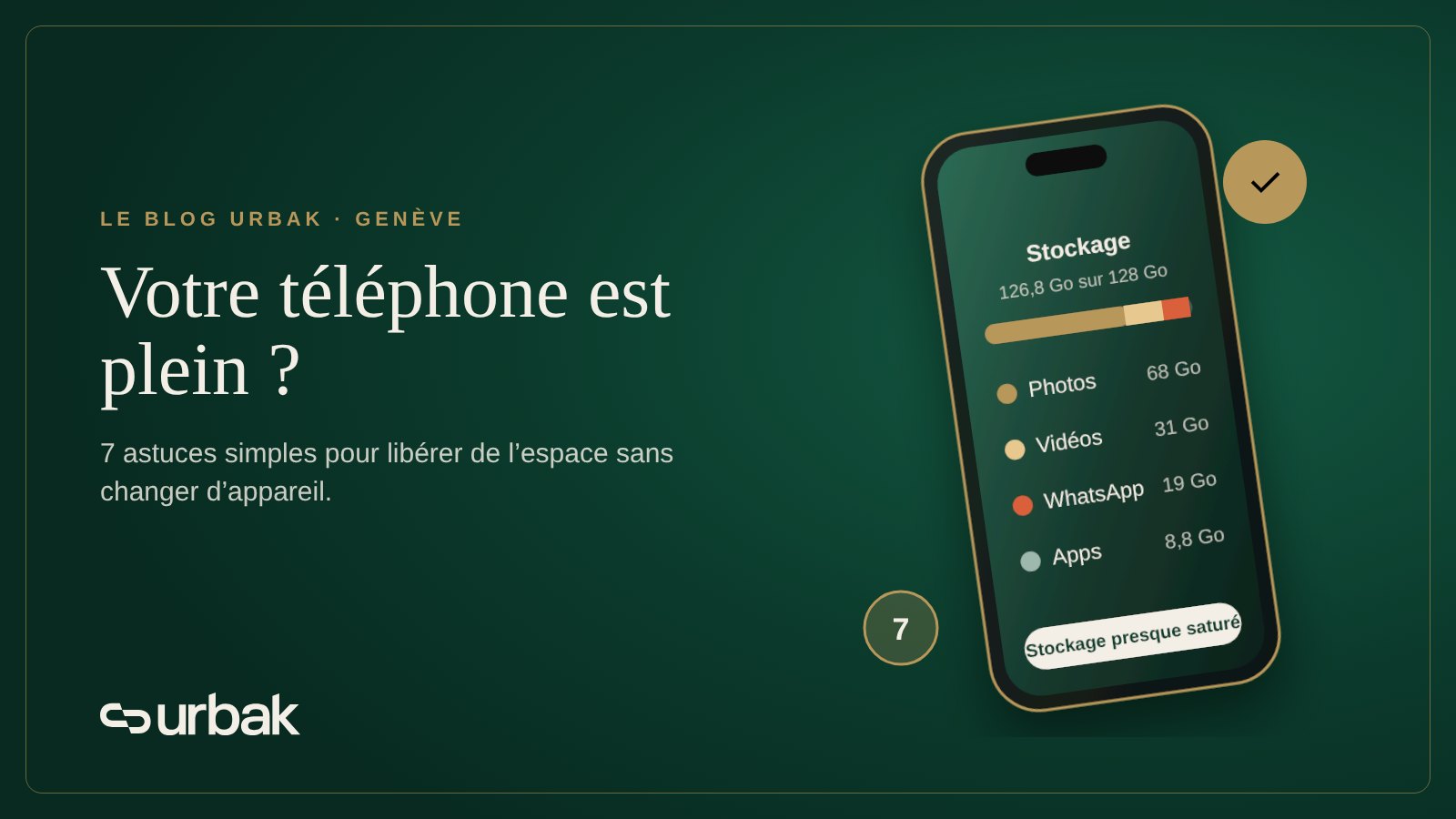
Running out of space on your phone? 7 simple tips to free up storage, speed up your smartphone and avoid replacing it too soon.
Blog · 16 November 2026 · 2 min read
Running out of space on your phone? 7 simple tips to free up storage, speed up your smartphone and avoid replacing it too soon.
Article automatically translated from French.
You regularly get the message « Storage almost full » on your smartphone? Photos, videos, applications, messages and files accumulate quickly and can eventually slow down your device.
Good news: before changing your phone, a few good habits can already allow you to recover a lot of space.
Photos and especially videos are often the files that take up the most storage. Take a few minutes to delete duplicates, unnecessary screenshots and old videos you no longer need.
Also, think about emptying the bin in your gallery after deleting them.
Some applications you no longer use can take up several hundred megabytes, or even several gigabytes.
Look in your phone's storage settings and uninstall the applications you no longer use.
WhatsApp groups can quickly accumulate photos, videos, documents and voice messages.
Regularly delete the large files you no longer need. This can free up a lot of space without deleting your important conversations.
Films, documents, photos, PDF files or music downloads can stay on your phone for a long time.
Go to your Downloads folder and delete unnecessary files.
If you have a lot of important photos and videos, you can back them up on an online storage service like iCloud or Google Photos.
Once your files are correctly backed up, you will be able to free up space on your smartphone.
Before deleting at random, consult the section Stockage of your phone.
You will be able to see precisely what is taking up the most space: photos, applications, videos, messages or other files. This allows you to target the elements that take up the most space.
If your storage is regularly saturated despite cleaning, it may have simply become too small for your use.
At URBAK, we can advise you on the best solution according to your needs: data transfer, phone change or purchase of a refurbished device.
URBAK accompanies you for your smartphones, tablets, computers and accessories.
Find our products and services on urbak.ch, or visit one of our two shops in Geneva: Bel-Air or Jonction.
URBAK — Repair, telephony and solutions for your everyday devices.
Come to Jonction or Bel-Air, or write to us at info@urbak.ch.
See repairs Refurbished smartphones
Is your screen cracked? What to do right away, how to tell whether the display itself is damaged, and why repairing is often better than replacing your phone.
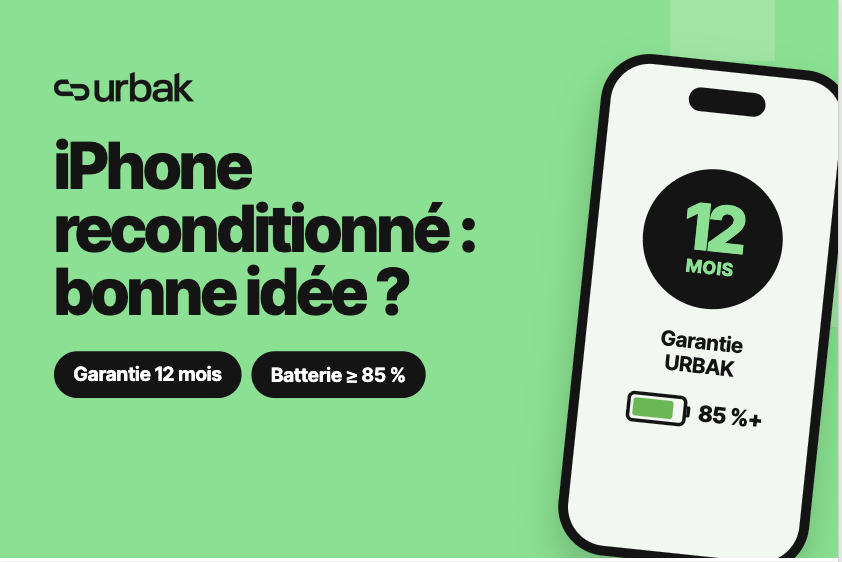
A refurbished iPhone costs much less than a new one. But how do you choose the condition, the battery and the seller? Our tips before buying in Switzerland.

Discover Yallo, Lebara and Sunrise subscriptions at URBAK in Geneva! Enjoy personalised advice to find the mobile, Internet or TV offer that suits your needs and budget.