Article automatically translated from French.
These errors destroy your phone's battery without you knowing it
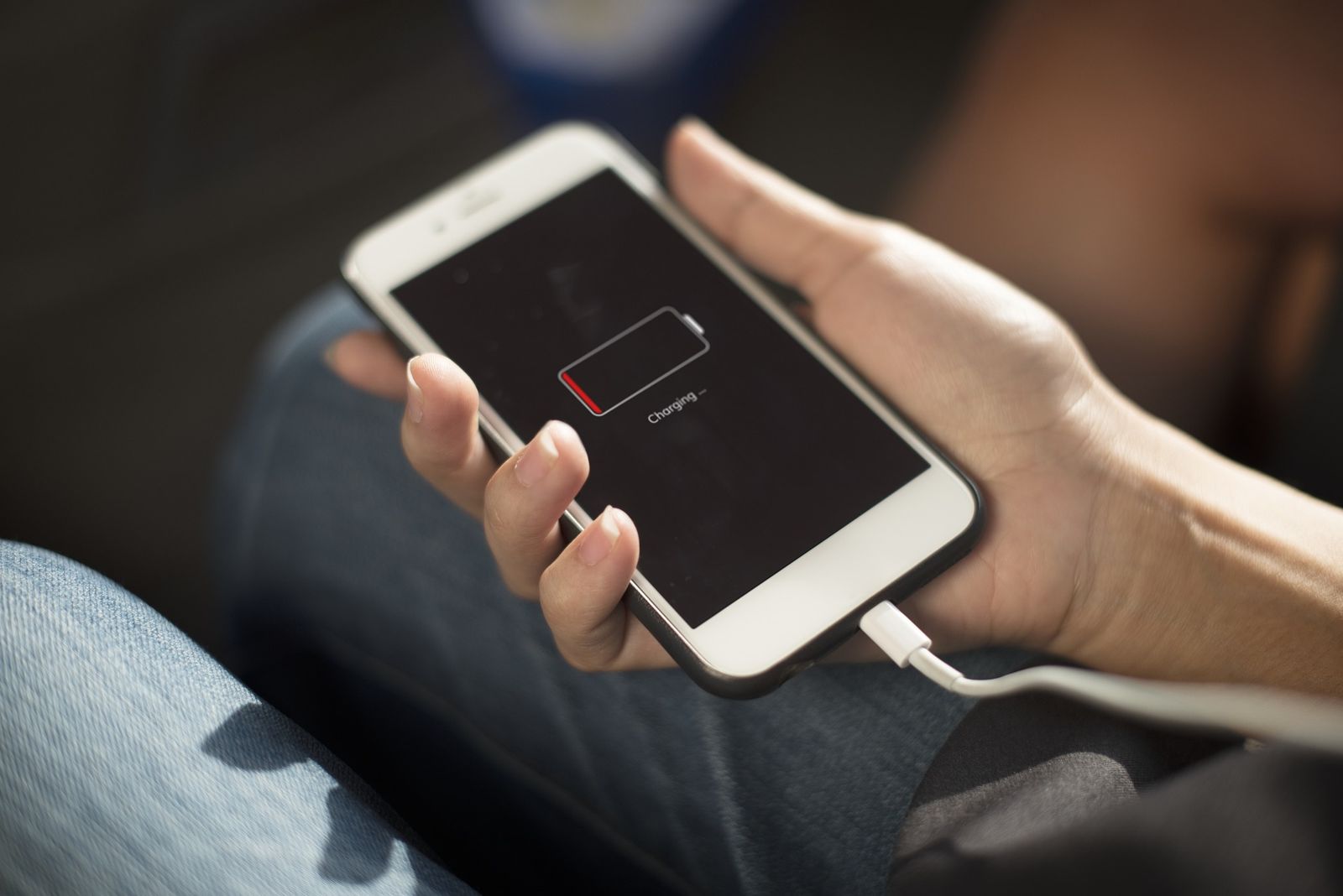
The battery is the heart of your smartphone
Today, we use our phone constantly: calls, social networks, GPS navigation, photos, videos… All this use strongly solicits the battery. Even if lithium-ion batteries are designed to last several years, some daily habits can accelerate their wear without you realising it.
Here are the most common errors.
1. Waiting for the battery to drop to 0 %
Many think that the battery must be completely drained before recharging. In reality, this was true with old technologies, but it is no longer the case today.
Modern batteries prefer regular recharges. The ideal is to plug in your phone when it reaches around 20 à 30 % of battery.
2. Leaving your phone in full sun
Heat is the number one enemy of batteries.
Leaving your smartphone on a car dashboard, by a pool or exposed to the sun for several minutes can cause overheating and accelerate battery degradation.
Even a single prolonged exposure to high temperature can have an impact on its lifespan.
3. Using a low-quality charger
Not all chargers are equal.
Low-end or non-certified chargers can provide unstable power, which can damage the battery in the long term. It is always recommended to use an original charger or a model certified by a recognised manufacturer.
4. Using your phone while it is charging
Watching videos, playing or launching very demanding applications during charging increases the device's temperature.
This additional heat can accelerate the ageing of the battery, especially if this habit is frequent.
5. Leaving your phone plugged in constantly
Current smartphones automatically stop charging when they reach 100 %, but keeping the battery fully charged for long periods, day after day, can promote its long-term wear.
If your phone offers an optimised chargefunction, it is recommended to activate it.
6. Never update your phone
Software updates are not only used to add new features. They often improve battery management and optimise your smartphone's energy consumption.
How to preserve your battery?
To increase its lifespan, adopt these few habits :
- Recharge your phone between 20 % and 80 % when possible.
- Avoid extreme temperatures.
- Use a quality charger.
- Activate energy-saving modes if necessary.
- Keep your smartphone up to date.
Quand faut-il remplacer sa batterie ?
Over time, all batteries gradually lose capacity. If your phone discharges quickly, shuts down unexpectedly or no longer lasts the day, it is probably time to replace it.
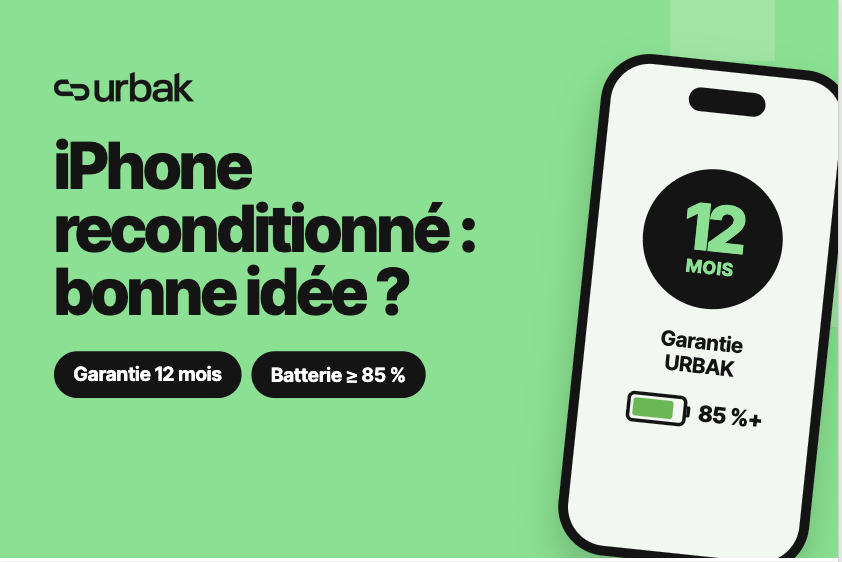
And if your battery shows signs of weakness, Urbak is here to support you. We replace the batteries of many smartphone models with quality parts. Furthermore, on all our refurbished smartphones, we systematically replace the battery when its capacity is below 85 %, to guarantee you optimal autonomy from the first day.
And if you prefer to change your phone completely, we also offer a buy-back service for your old device. You can thus finance part of your new smartphone while giving a second life to your old phone.